
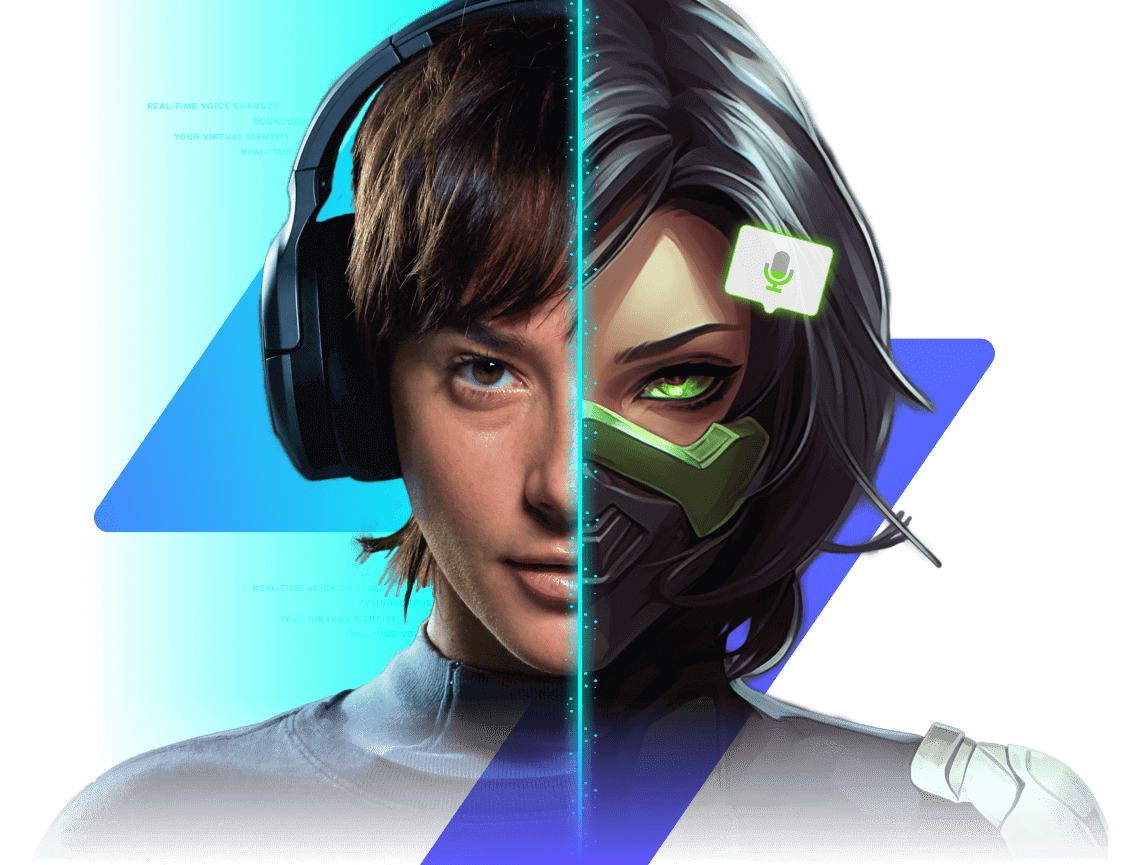
Change your voice live. Be anyone, anywhere.
Voice Changer Pro transforms your voice in games, streams, and calls. One click, zero hassle. Soundboard, hotkeys, and a powerful Voice Lab — all free.
Works wherever you hang out online.
Not only in voice apps like Discord, but also in in-game voice chats.

All product names, logos, and brands are property of their respective owners and used for identification only.
What's your vibe today?
The Cybernetic Enforcer
Perfect for your selection. High intelligibility with a robotic edge.
Everything you need to sound epic
Real‑time voice engine
Low‑latency processing keeps your voice in sync for gaming, calls, and streams.
One‑click voices
Choose from a growing library of voice skins — from cinematic to silly.
Noise & room cleanup
Smart filters reduce hiss and hum so your voice stays front‑and‑center.
Voice Lab
Stack effects, tune parameters, and craft your signature sound.
Soundboard + Hotkeys
Trigger memes, music, and SFX with instant keybinds while you play.
Privacy‑first
Toggle Safe Mode, protect your identity, and control voice sharing.
Try voices in your browser
Experience the engine right now. No download required.
The desktop app has 50x more processing power, higher fidelity, and works system-wide.
Hear the difference
Drag to compare dry signal vs. processed output
Built for speed
Every millisecond counts when you're live.
Simulated System Latency
This measures browser audio buffer. Native app is typically <15ms.
Gaming
Roleplay in GTA V, troll in Valorant, or command your squad with a voice that commands respect.
Streaming
Entertain your chat with instant character switches and sound effects. Compatible with OBS & Streamlabs.
Meetings
Break the ice in Zoom or protect your privacy in anonymous calls. Professional filters included.
Drop sounds with one key
Works with everything
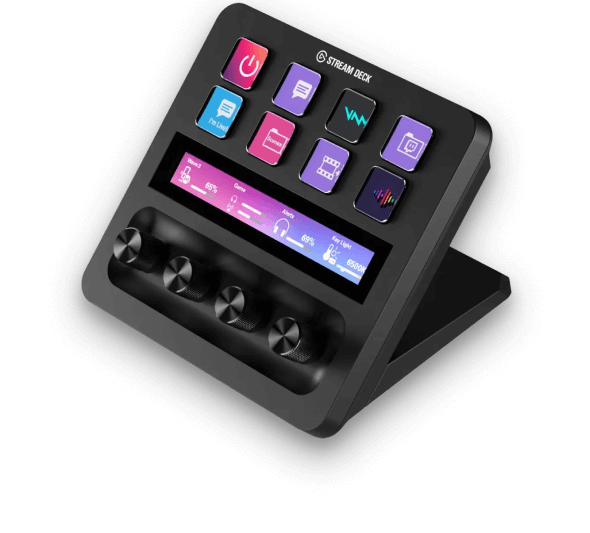
Level up your content
Build characters, punch up punchlines, and keep chat guessing. With monitoring, hotkeys, and per‑scene routing, Voice Changer Pro slides right into your setup.
Setup in seconds
Select your app to see instant configuration steps.
Discord Setup
- Open User Settings > Voice & Video.
- Set Input Device to Voice Changer Pro Virtual Mic.
- Disable "Noise Suppression" and "Echo Cancellation" in Discord for best quality.
Voice Safety & Etiquette
We built these tools for fun, creativity, and privacy. Please use them responsibly.
- Consent Matters: Don't use voice cloning to impersonate others without permission.
- No Harassment: Voice changing is not a shield for abusive behavior.
How it works
Download & install
Get the free app for Windows, macOS, or Linux.
Select a voice
Browse the library or create your own in the Lab.
Choose your app
Select "Voice Changer Pro Virtual Mic" as your input device.
Loved by 2M+ users
"The latency is basically zero. I use it for my D&D campaigns and my players lose their minds."
"Finally a voice changer that doesn't sound robotic (unless I want it to). The clean filters are magic."
"Setup was instant. The virtual mic driver just works. Best free tool in my arsenal."
Technical Configuration
Registry keys and manual setup details.
Windows Registry Editor Version 5.00

[HKEY_CURRENT_USER\Software\VoiceChangerPro]
"InstallPath"="C:\\Program Files\\VoiceChangerPro"
"AudioDriver"="VCP_Audio_Driver_v2.4"
"StartMinimized"=dword:00000001
"BufferLatencyMs"=dword:00000014
"ExclusiveMode"=dword:00000000
FAQ
Is it free forever?
Is it real-time?
What apps are supported?
Can I create custom voices?
Built for Trust
Privacy and safety aren't optional.
Local Processing
Your voice never leaves your device. All audio processing happens locally on your CPU/GPU. Zero cloud uploads.
No Trackers
We don't sell your data. We don't track your conversations. No third-party analytics scripts.
Community Standards
Voice changing is for expression, not deception. We actively discourage use for harassment or impersonation.
Join the conversation